[vc_row type=”in_container” full_screen_row_position=”middle” column_margin=”default” column_direction=”default” column_direction_tablet=”default” column_direction_phone=”default” scene_position=”center” top_padding=”40″ constrain_group_1=”yes” bottom_padding=”40″ text_color=”dark” text_align=”left” row_border_radius=”none” row_border_radius_applies=”bg” overlay_strength=”0.3″ gradient_direction=”left_to_right” shape_divider_position=”bottom” bg_image_animation=”none” shape_type=””][vc_column column_padding=”no-extra-padding” column_padding_tablet=”inherit” column_padding_phone=”inherit” column_padding_position=”all” column_element_spacing=”default” background_color_opacity=”1″ background_hover_color_opacity=”1″ column_shadow=”none” column_border_radius=”none” column_link_target=”_self” gradient_direction=”left_to_right” overlay_strength=”0.3″ width=”1/6″ tablet_width_inherit=”default” tablet_text_alignment=”default” phone_text_alignment=”default” bg_image_animation=”none” border_type=”simple” column_border_width=”none” column_border_style=”solid”][/vc_column][vc_column column_padding=”no-extra-padding” column_padding_tablet=”inherit” column_padding_phone=”inherit” column_padding_position=”all” column_element_spacing=”default” background_color_opacity=”1″ background_hover_color_opacity=”1″ column_shadow=”none” column_border_radius=”none” column_link_target=”_self” gradient_direction=”left_to_right” overlay_strength=”0.3″ width=”2/3″ tablet_width_inherit=”default” tablet_text_alignment=”default” phone_text_alignment=”default” bg_image_animation=”none” border_type=”simple” column_border_width=”none” column_border_style=”solid”][vc_column_text]

Downloading Plant Lists Generated on the Query Page

[/vc_column_text][image_with_animation image_url=”2731″ animation=”Fade In” hover_animation=”none” alignment=”center” border_radius=”none” box_shadow=”none” image_loading=”default” max_width=”100%” max_width_mobile=”default”][vc_column_text]
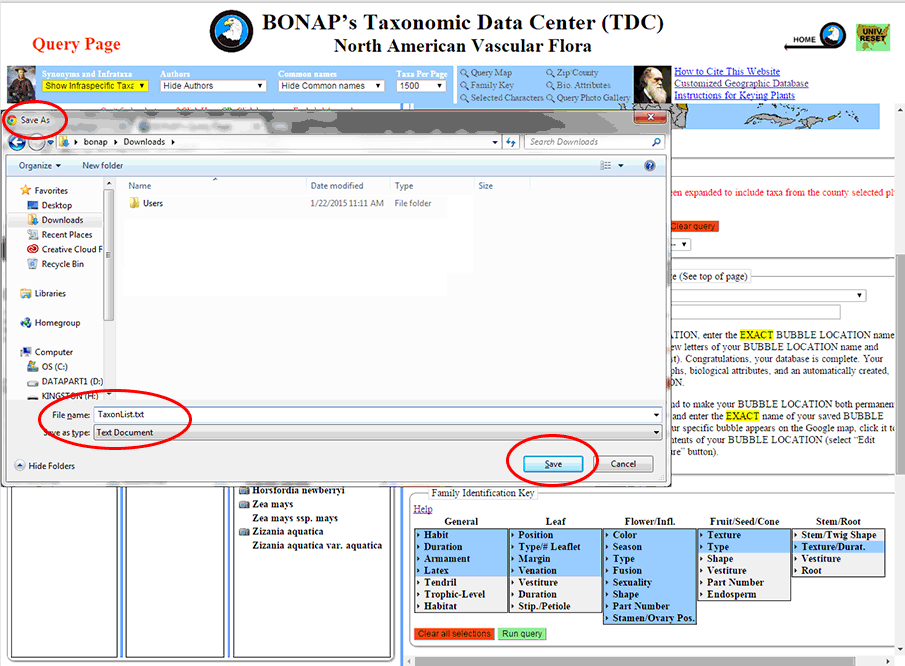
Step 1: To download a list of species found at a given location bubble, first select that location by entering the name or address, or any part thereof, for the location bubble you would like to download. Left-click on your desired location from the drop-down list that appears.
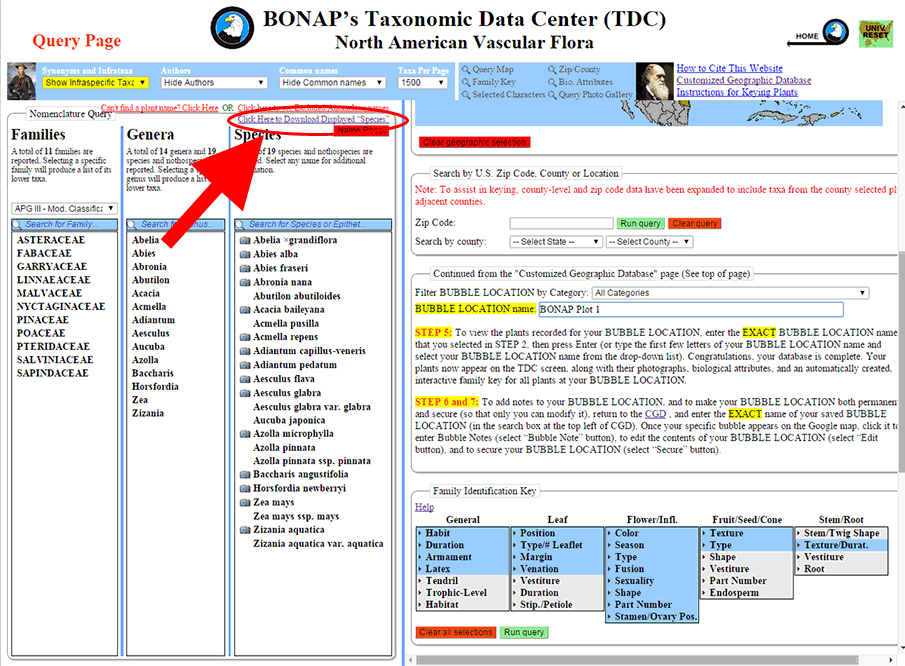
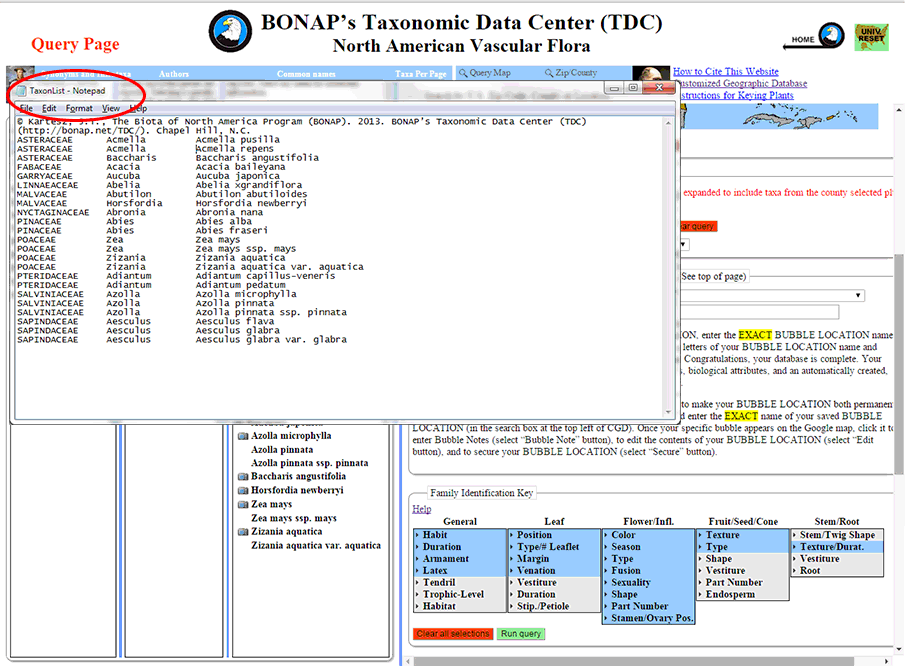
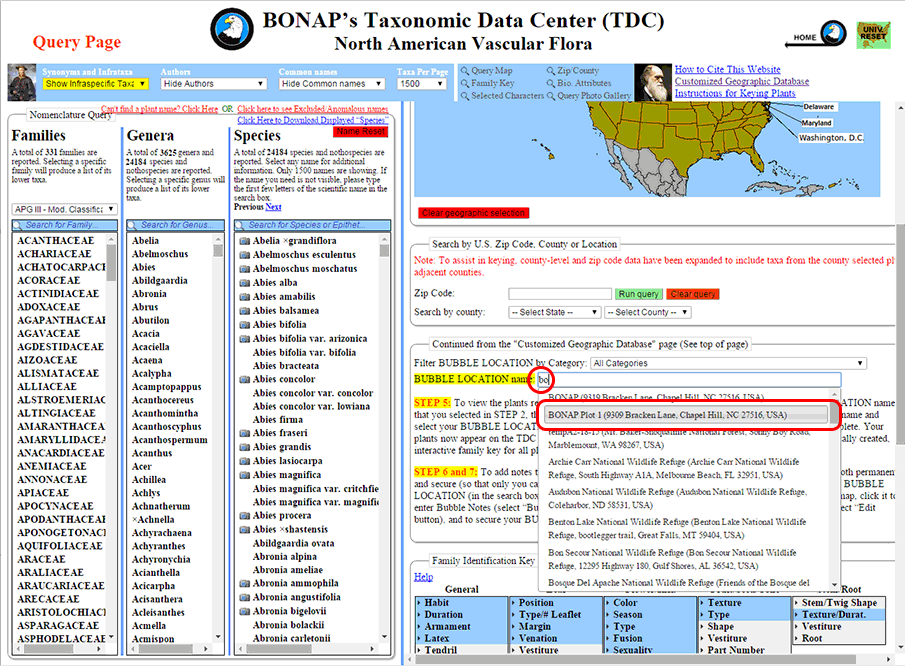
[/vc_column_text][image_with_animation image_url=”2732″ animation=”Fade In” hover_animation=”none” alignment=”center” border_radius=”none” box_shadow=”none” image_loading=”default” max_width=”100%” max_width_mobile=”default”][vc_column_text]Step 2: Once you have populated the ‘Species’ column with the list you wish to download – in this case, the list for “BONAP Plot 1” – left click on the blue link that states ‘Click Here to Download Displayed “Species”‘.[/vc_column_text][image_with_animation image_url=”2733″ animation=”Fade In” hover_animation=”none” alignment=”center” border_radius=”none” box_shadow=”none” image_loading=”default” max_width=”100%” max_width_mobile=”default”][vc_column_text]Step 3: Your browser will your browser will open a “Save As” window. Save the “TaxonList.txt” (you may rename the text file as something else) to your default file download destination.[/vc_column_text][image_with_animation image_url=”2734″ animation=”Fade In” hover_animation=”none” alignment=”center” border_radius=”none” box_shadow=”none” image_loading=”default” max_width=”100%” max_width_mobile=”default”][vc_column_text]Step 4: Once downloaded, you can open the file (saved in Step 3) to see the list of plants. Opening the file in Microsoft Excel, using the “tab delimited” option will place the taxa into their appropriate family, genus, and species columns.[/vc_column_text][/vc_column][vc_column column_padding=”no-extra-padding” column_padding_tablet=”inherit” column_padding_phone=”inherit” column_padding_position=”all” column_element_spacing=”default” background_color_opacity=”1″ background_hover_color_opacity=”1″ column_shadow=”none” column_border_radius=”none” column_link_target=”_self” gradient_direction=”left_to_right” overlay_strength=”0.3″ width=”1/6″ tablet_width_inherit=”default” tablet_text_alignment=”default” phone_text_alignment=”default” bg_image_animation=”none” border_type=”simple” column_border_width=”none” column_border_style=”solid”][/vc_column][/vc_row]